
SabeeApp’s Booking Engine offers flexible payment options that help you securely collect payments, manage reservations, and provide a smooth booking experience for your guests.
Before enabling any payment method, make sure your payment and cancellation policies reflect how you want reservations and payments to be handled.
This article explains:
- Which payment options are available
- How each method works
- How to enable and configure them
How to Set Up Payment Methods
To select which payment methods guests can use in your Booking Engine, go to:
Distribution → Booking Engine → Payment Settings
Here, you can enable and configure all available payment options for your guests.
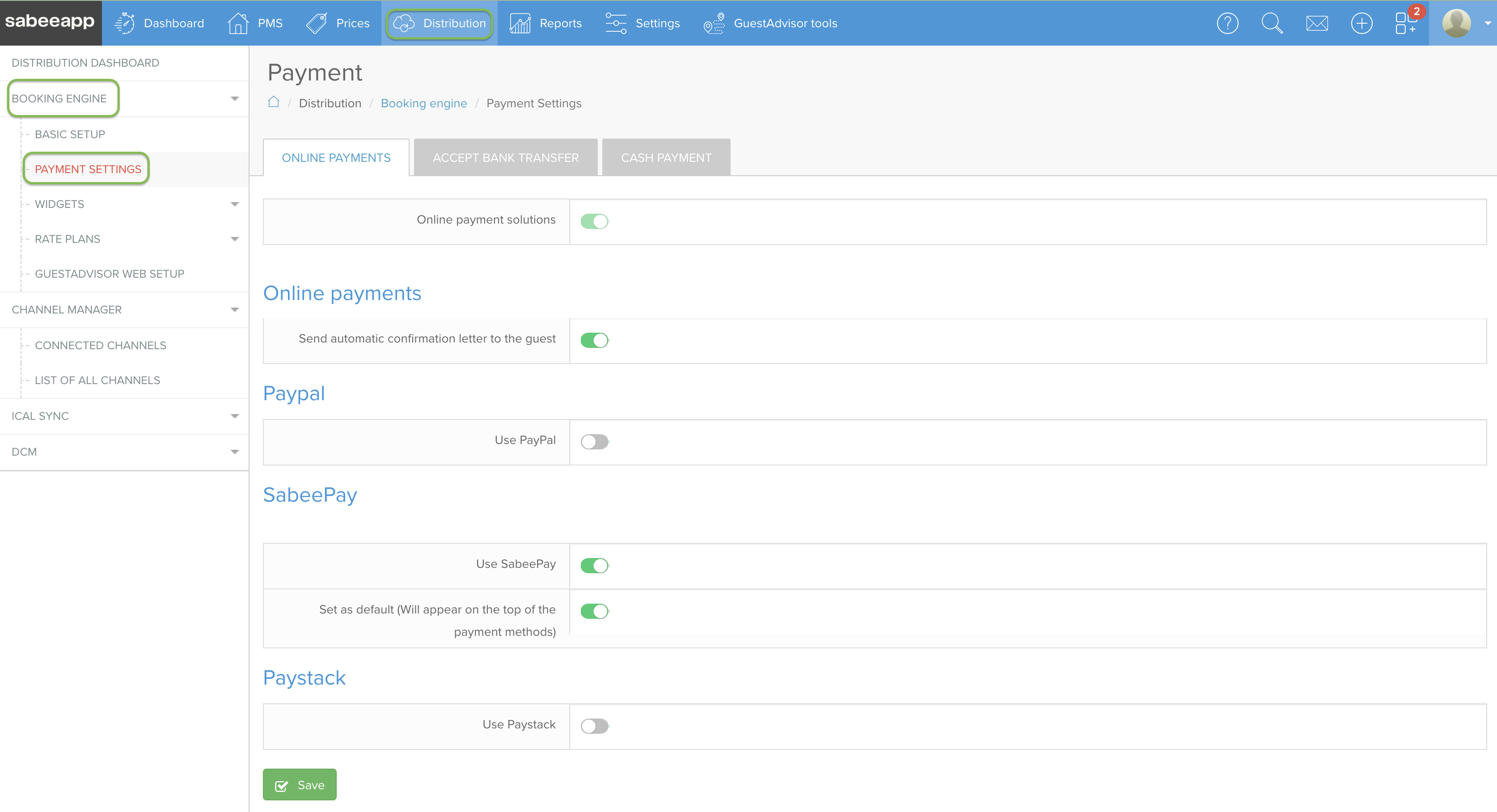
Available Payment Methods
Payment options are divided into two categories:
Online Payment Methods
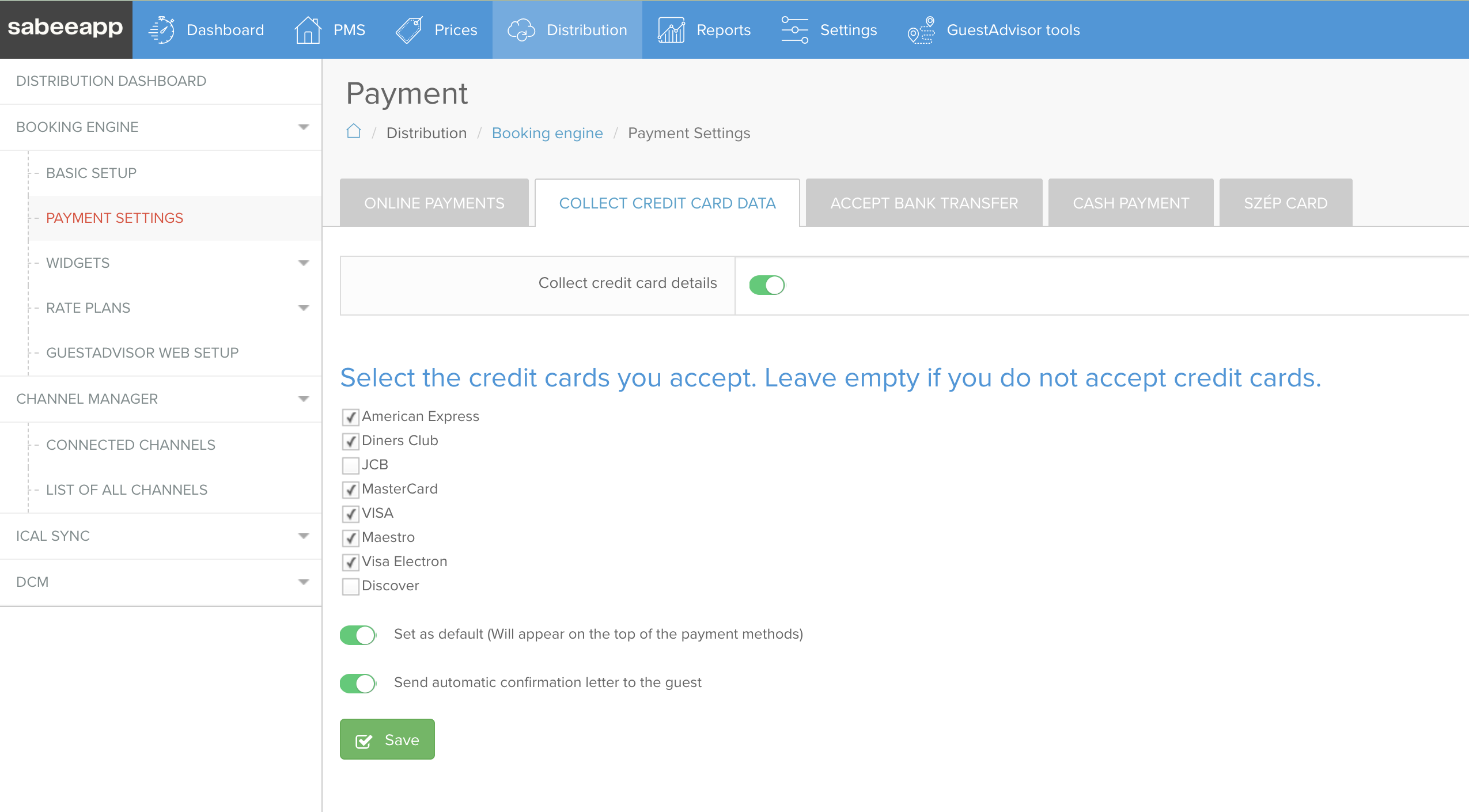
- Collect Credit Card Details (guarantee only)
- PayPal
- SabeePay (if activated in your subscription)
Offline Payment Methods
- Cash on Arrival
- Bank Transfer
Online Payment Methods
These options allow guests to pay or secure their reservation digitally during the booking process.
Collect Credit Card Details (Guarantee Only)
This option allows guests to enter their credit card details to secure their reservation without making an immediate payment.
⚠️ This feature must be enabled by your SabeeApp Account Manager and cannot be used together with SabeePay.
The card details are stored securely and can be used later according to your payment and cancellation policies.
This option is ideal if you want to:
- Secure reservations without immediate payment
- Charge guests later when needed
- Apply cancellation or no-show fees
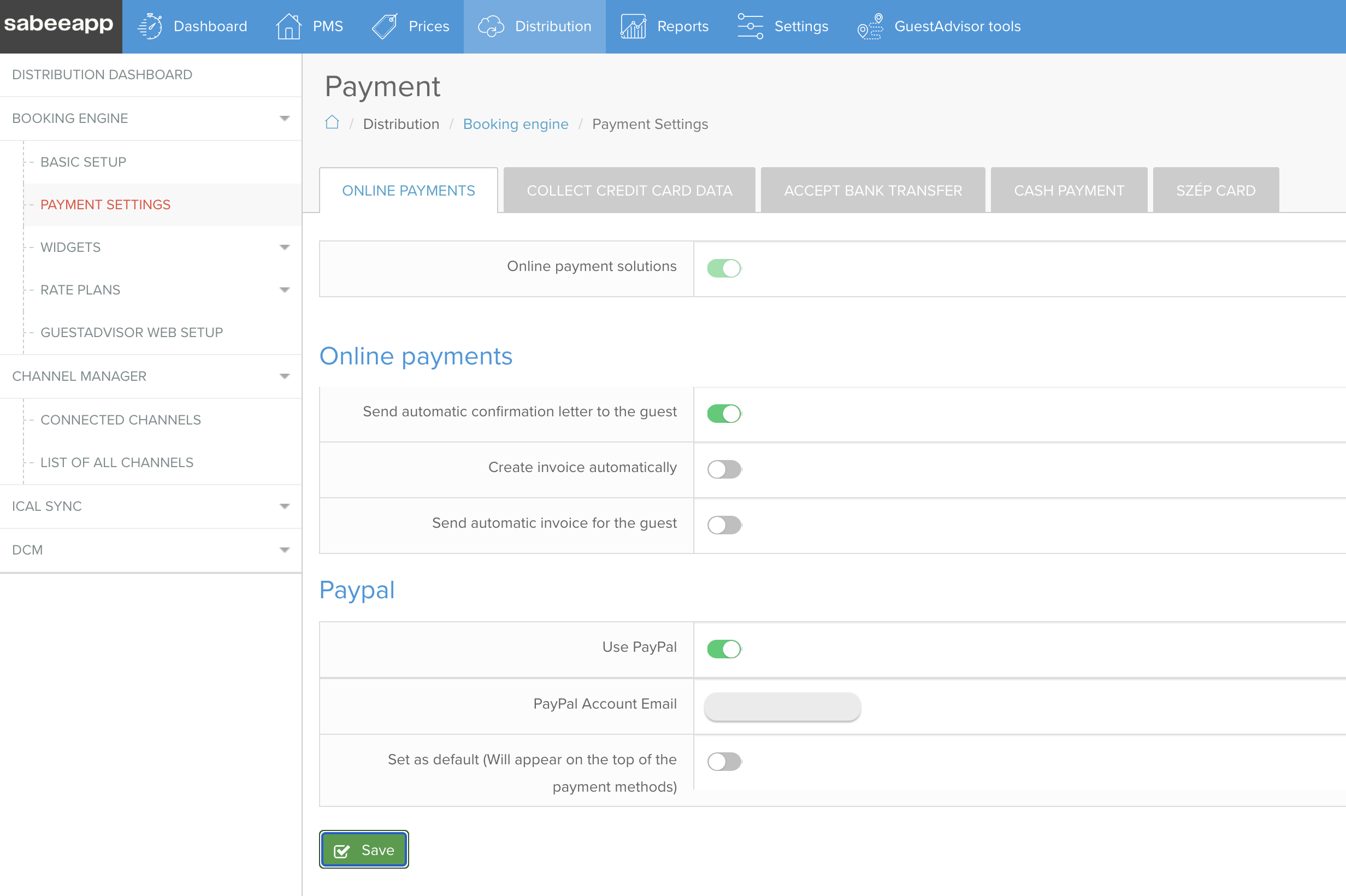
Get Paid with PayPal
You can accept secure online payments through PayPal.
To enable this option, simply add your PayPal account email address in the payment settings.
Once configured, guests will be redirected to PayPal to complete their payment during booking.
Benefits of PayPal Payments
- Secure online transactions
- Fast and easy checkout
- International payment support
- Trusted payment method for guests
👉 When a reservation is made using PayPal, it will first appear in your Sabee account as an Option reservation. This status is temporary until we receive confirmation from PayPal that the payment has been successfully completed.
👉 Once the payment is confirmed, the reservation will automatically change to a Confirmed booking, just like any other paid reservation.
👉 Please note that this confirmation process may take up to 1 hour. If the payment is not completed successfully within this time, the reservation will be automatically cancelled.
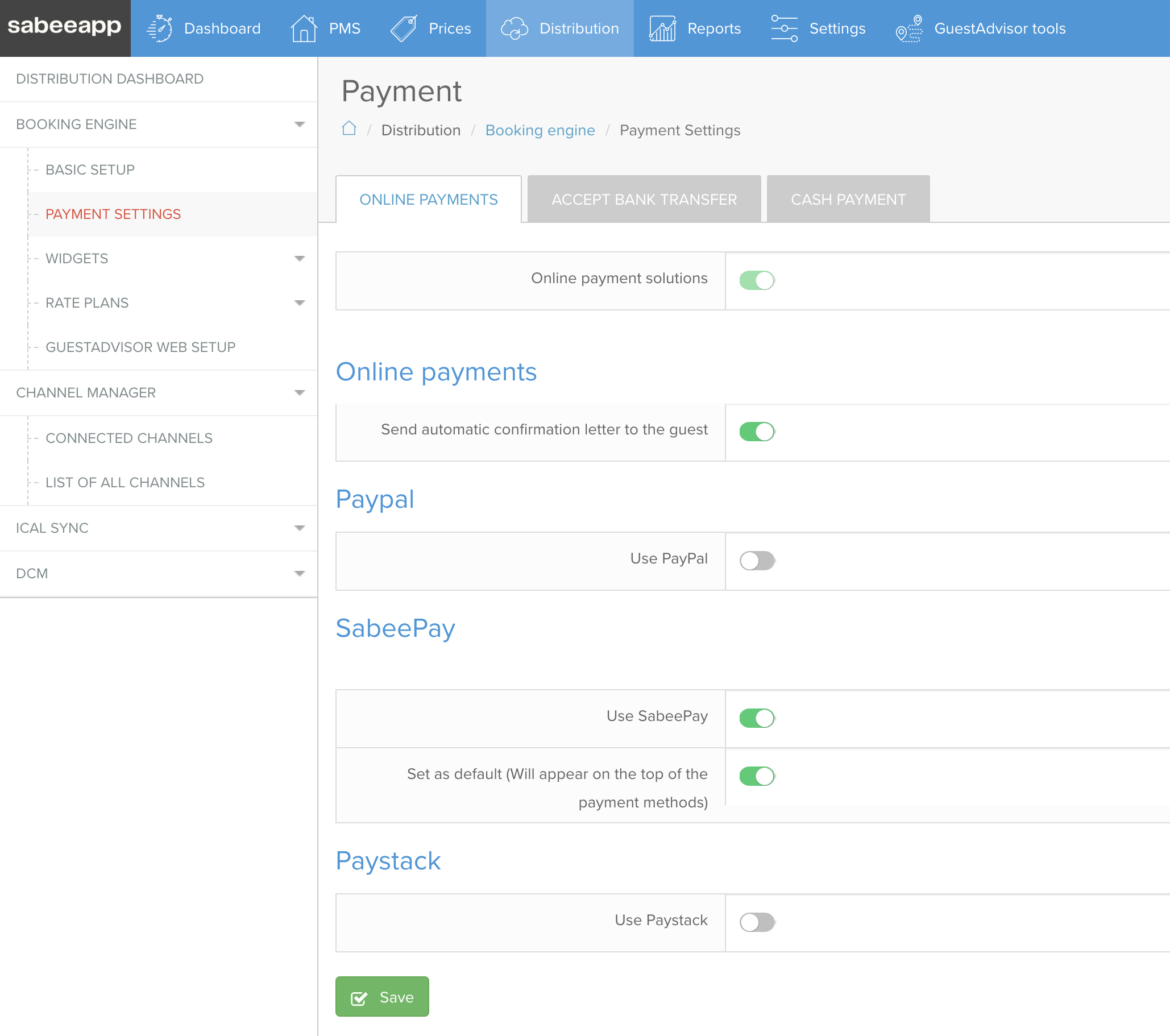
SabeePay
SabeePay allows you to collect online payments directly through SabeeApp.
👉 This feature is available only if the SabeePay module is activated in your Subscription menu.
For setup and details, please refer to the SabeePay help articles.
Offline / Manual Payment Methods
These payment options involve payments that are handled outside the Booking Engine or require manual processing by the property.
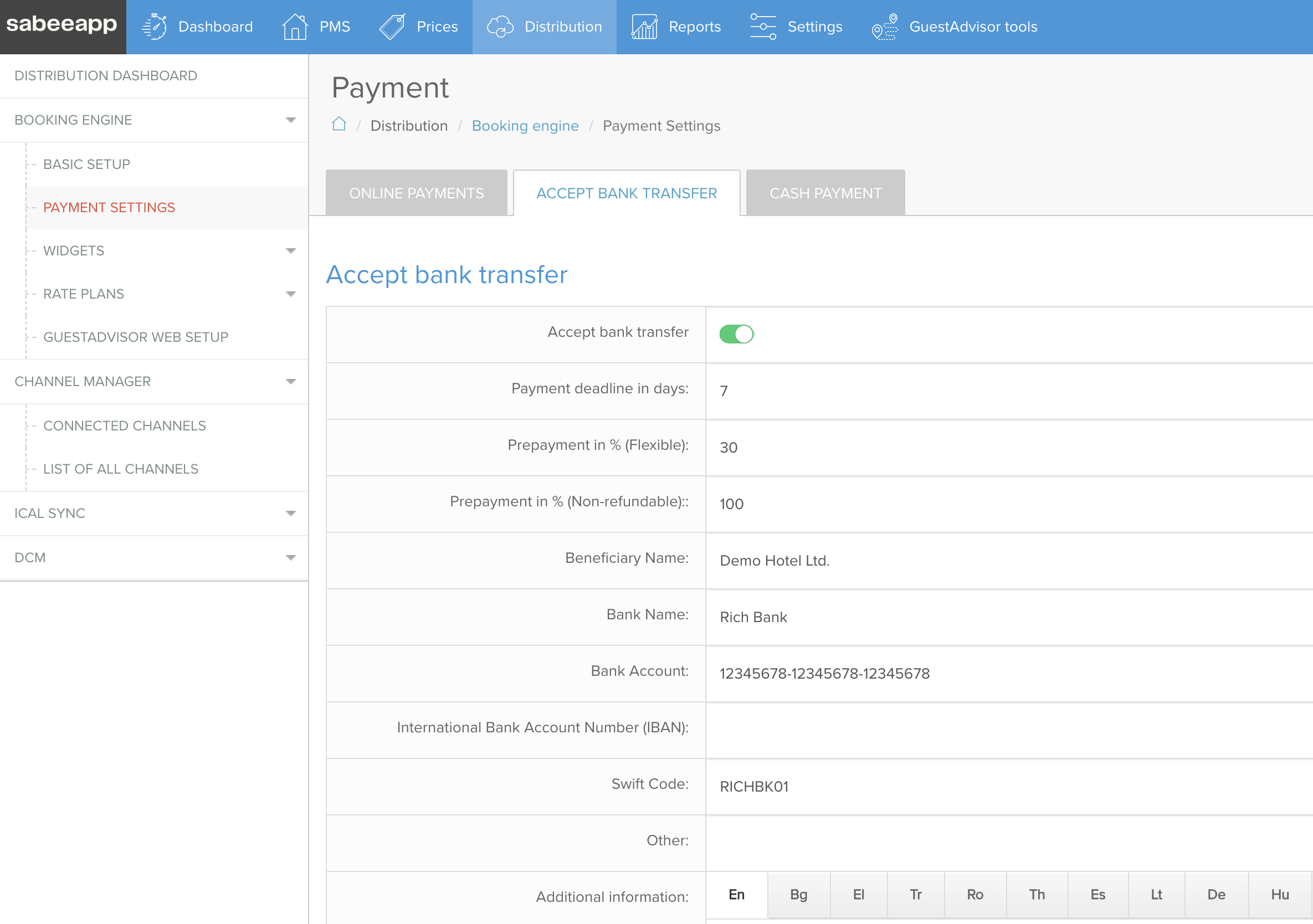
Accept Bank Transfer
With this option, guests complete their booking and pay manually via bank transfer.
Important: Reservation Status
Reservations are created as Optional reservations until payment is received and manually confirmed by the property.
If the reservation is not confirmed before the expiration date, it will be automatically cancelled.
Prepayment Consistency
When enabling bank transfer payments, make sure the prepayment percentage is consistent with your policy settings.
👉 The same percentage should be used here as in your Cancellation and Payment Policy (Flexible / Non-refundable policies).
Collect SZÉP Card Details (Hungary Only)
SZÉP Card is a widely used payment method in Hungary.
This option is only available if Hungary is selected under:
Settings → Company Details
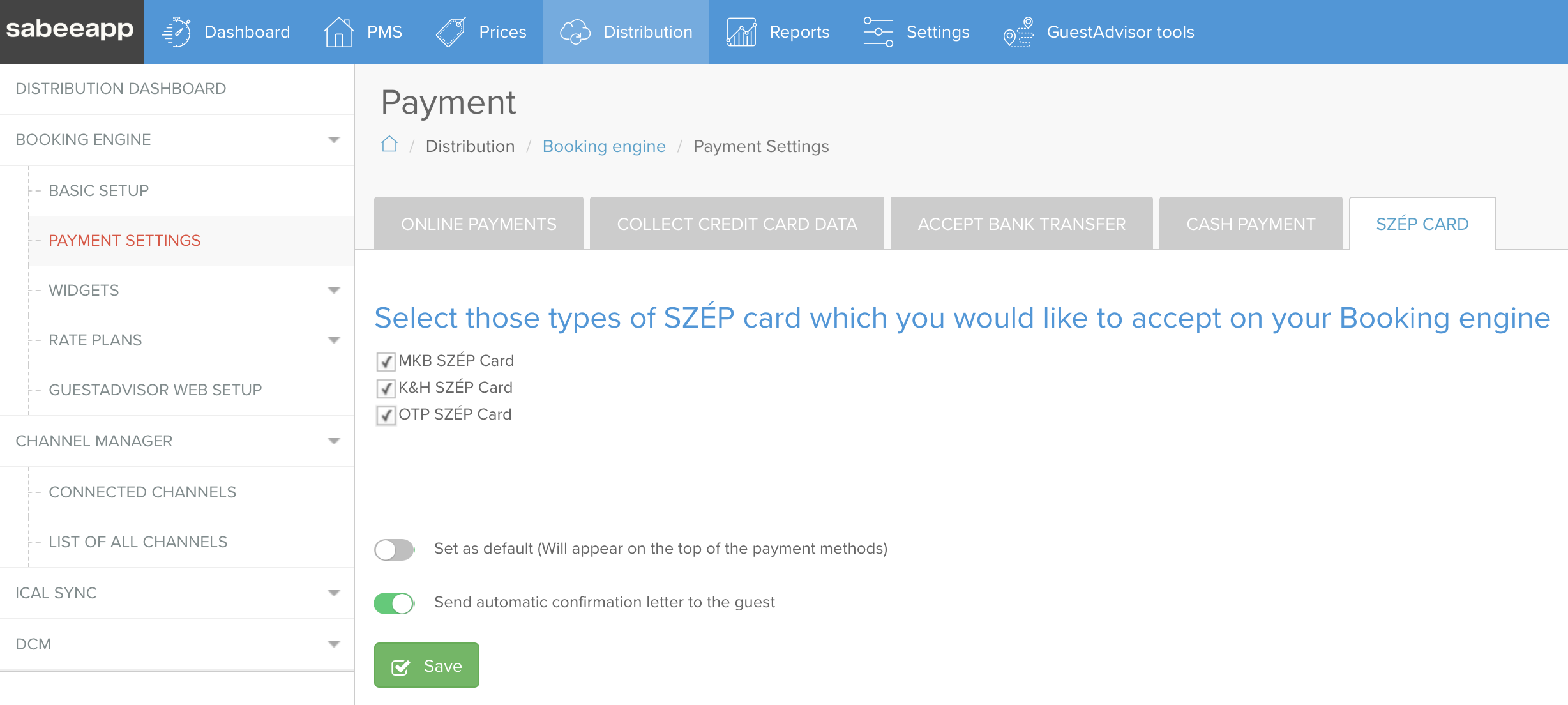
When enabled, guests can enter SZÉP Card details during booking. You can then process prepayments via the issuer bank’s online portal.
Supported SZÉP Card Providers
- OTP
- MKB
- K&H
Each provider requires different details:
- OTP → CVC code
- MKB → Unique identifier
- K&H → Password
After the reservation is received in SabeeApp, card details can be viewed in the reservation details page.
Accept Cash Payments
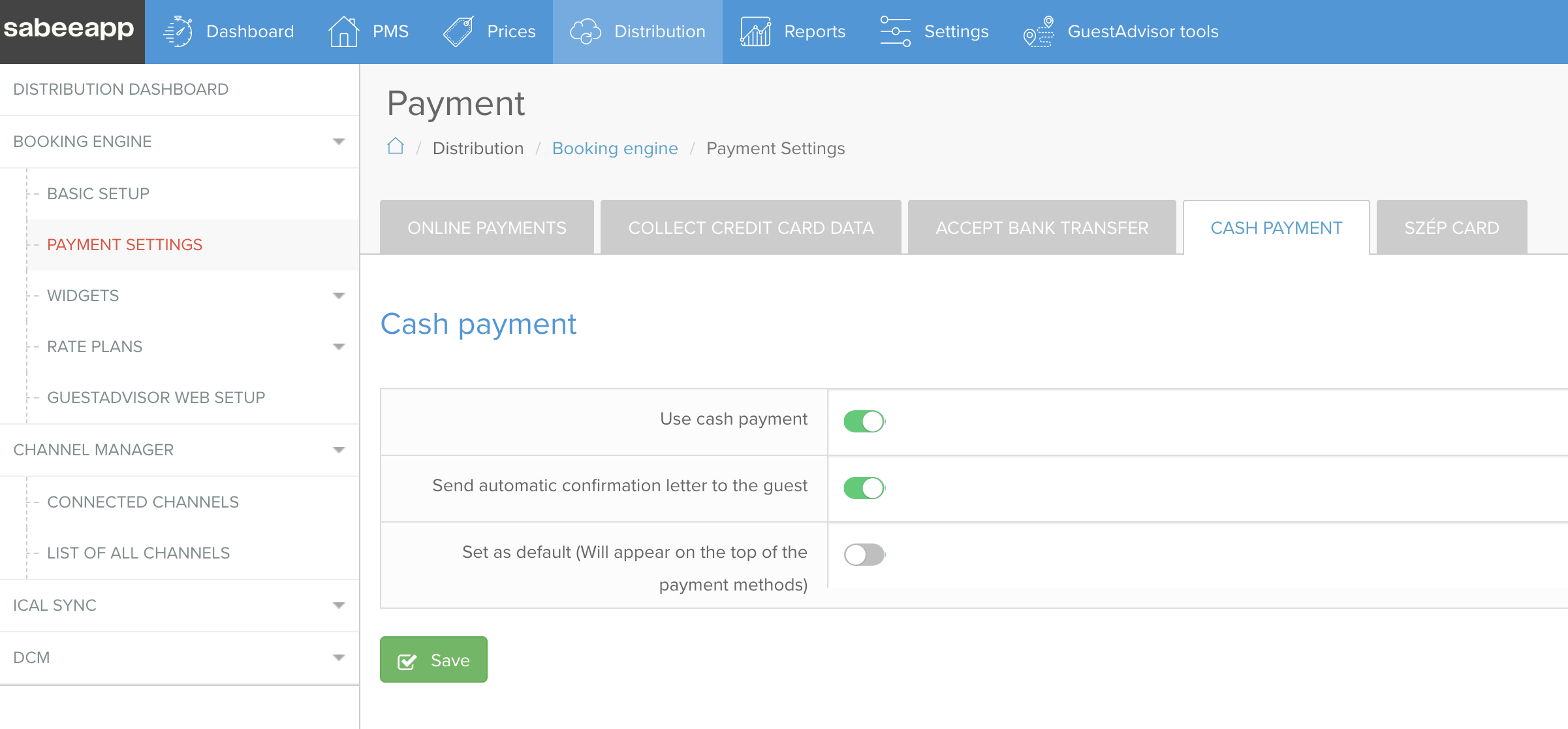
Cash payments allow guests to complete their booking without entering any payment details online.
This option is useful if:
- Your property accepts cash only
- Guests pay upon arrival
- You do not require a payment guarantee at booking
What You Can Configure
- Automatic confirmation emails
- Primary payment method selection
Choosing the Right Payment Method
The best setup depends on your property’s operations and policies.
Use Online Payment Methods:
- Credit Card as Security → guaranteed bookings
- PayPal → instant online payments
- SabeePay → integrated online payment processing
Use Offline / Manual Payment Methods
- Bank Transfer → advance payment with manual confirmation
- Cash Payment → payment at the property
- SZÉP Card → Hungary-specific payment method
You can also combine multiple payment methods to give guests flexibility while keeping control over your payment workflow.