
When you want to connect to TabletHotels channel, in your Sabee account you need to go to Distribution / Channel manager / List of all channels / TabletHotels and click connect to channel.
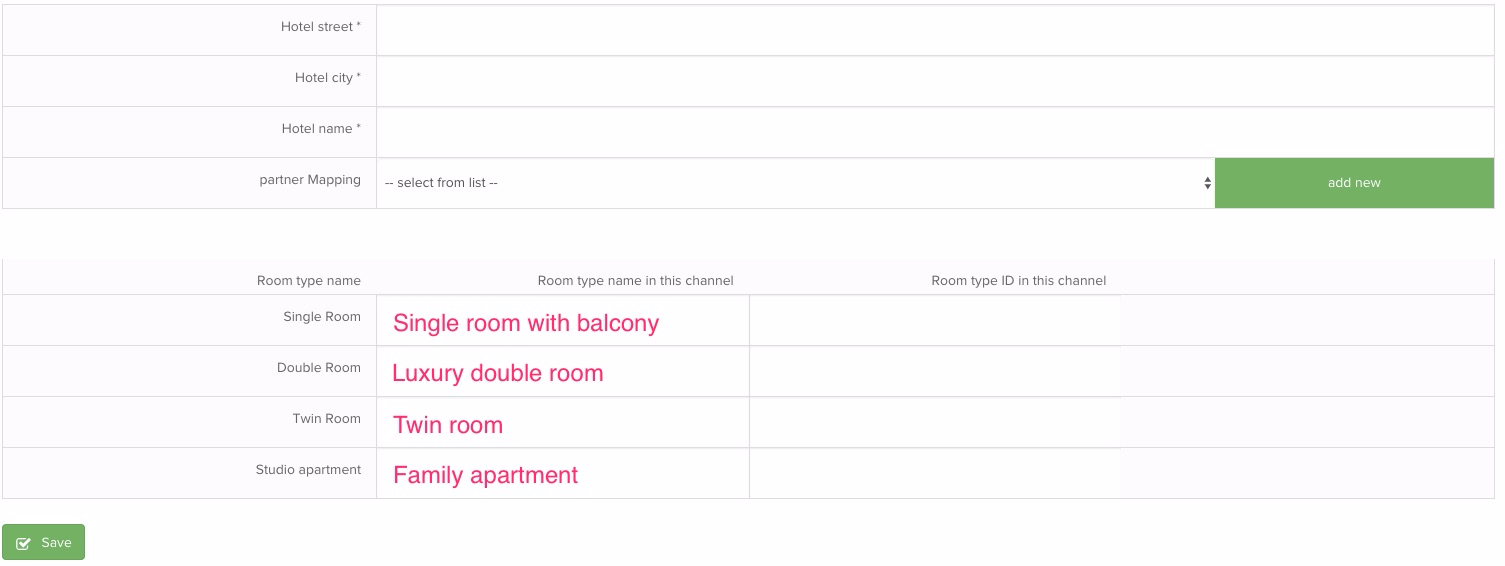
Fill in the required fields. If you don't now room type ID that you have in the channel, simply add "-" symbol.
After connection is established
When connection with TabletHotels will be set live, following information will be synced between Sabee and channel:
- Availability
- Prices
- Min Night Restrictions
- Max Night Restrictions
- Rate plan open/close
- CTA
- New reservations, made in TabletHotels, will arrive to your SabeeApp calendar.
- Credit card data will be included in reservations sent from TabletHotels.