
Overview
RoomSome by MORGENS is a powerful booking engine designed to help hotels and chains increase direct reservationsand maximize revenue. It offers advanced features like loyalty programs, voucher or ticket sales, a sophisticated quote system, complex child policy settings, and comprehensive package sales, ensuring higher conversion rates and stronger guest engagement.
The MORGENS team also supports hotels with professional website design and tailored digital marketing services, providing a complete solution that strengthens your online presence, boosts brand visibility, and drives more profitable direct bookings.
💰 Pricing
The RoomSome integration is available for a monthly fee, which depends on your property's size.
To check the exact price:
- Go to Settings → Marketplace in SabeeApp.
- Find RoomSome.
The fee is automatically added to your SabeeApp subscription upon activation.
🔗 Learn more about RoomSome: https://morgens.hu/roomsome-booking-engine
🔌 How to Connect to RoomSome
Step 1: Initiate Connection
- Go to Settings → Marketplace in SabeeApp.
- Locate RoomSome and click Initiate Connection.
- Select “I already have a RoomSome account.”
- Select RoomSome as your partner (required).
- If RoomSome is not listed, click Add New next to partner mapping to create it.
- When creating the partner, choose Partner Type: Own Sales – IBE.
- Confirm the subscription fee displayed (based on your room count).
- After confirmation, the RoomSome module will be added to your SabeeApp subscription.
💡 Important: You cannot complete the connection without accepting the subscription fee.
Step 2: Select Rooms and Services to Sync
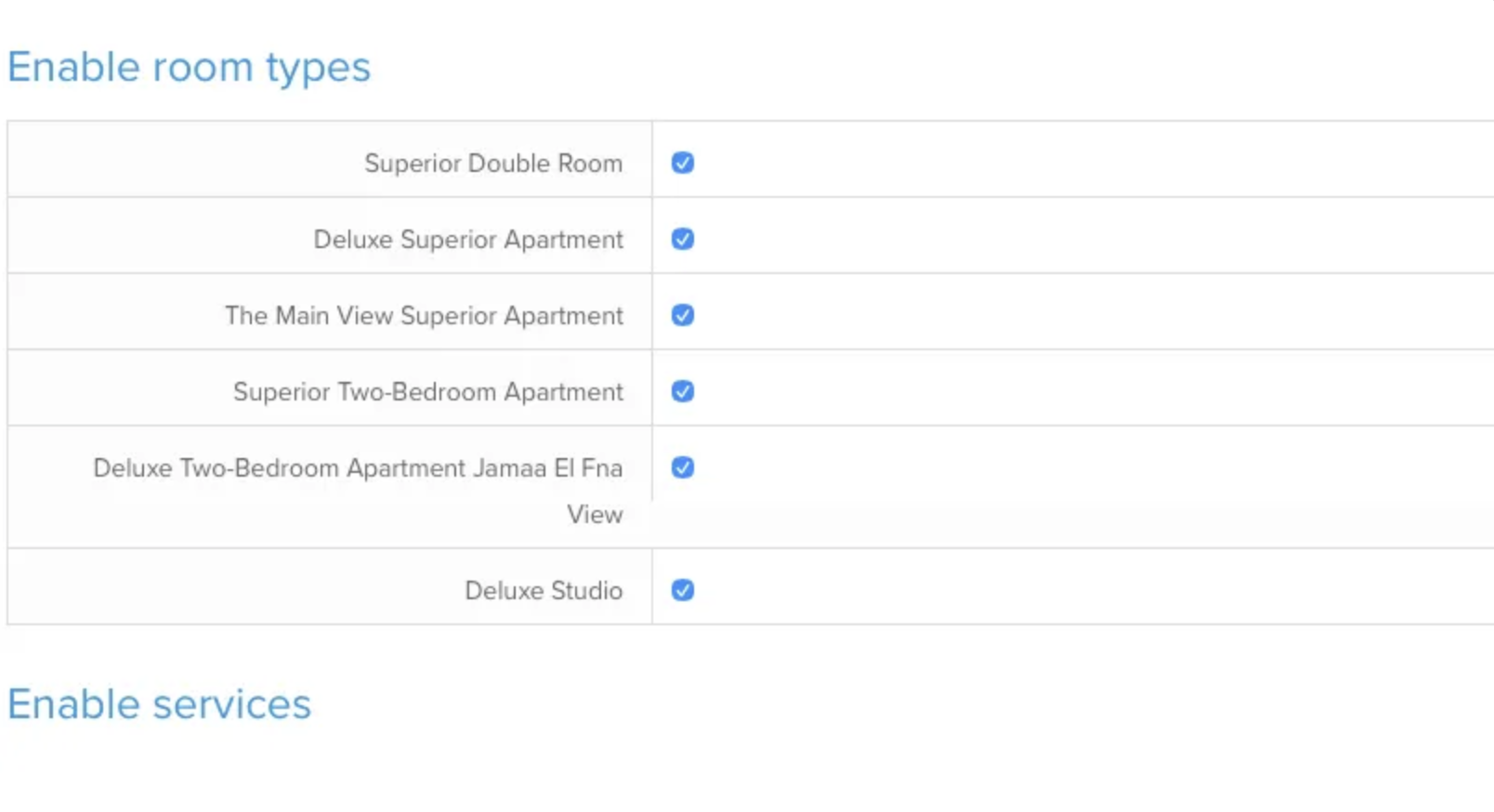
- Choose which room types and services you want SabeeApp to synchronize with RoomSome.
- Click Save to confirm your selection.
- Send your SabeeApp account manager an email to inform them which Rate Plans you want to connect to RoomSome.
Step 3: Finalise in RoomSome
- After saving your selections in SabeeApp, log in to your RoomSome account.
- Complete the remaining configuration steps in RoomSome to finalise the setup.
🎉 That’s It!
Your RoomSome connection is now active!
From now on, your availability, rates, and reservations will flow seamlessly between SabeeApp and RoomSome, ensuring smooth operations and accurate updates across both systems.